Settings: Remote API
Enable external access to JaiCast for automation, scripting, and third-party integrations.
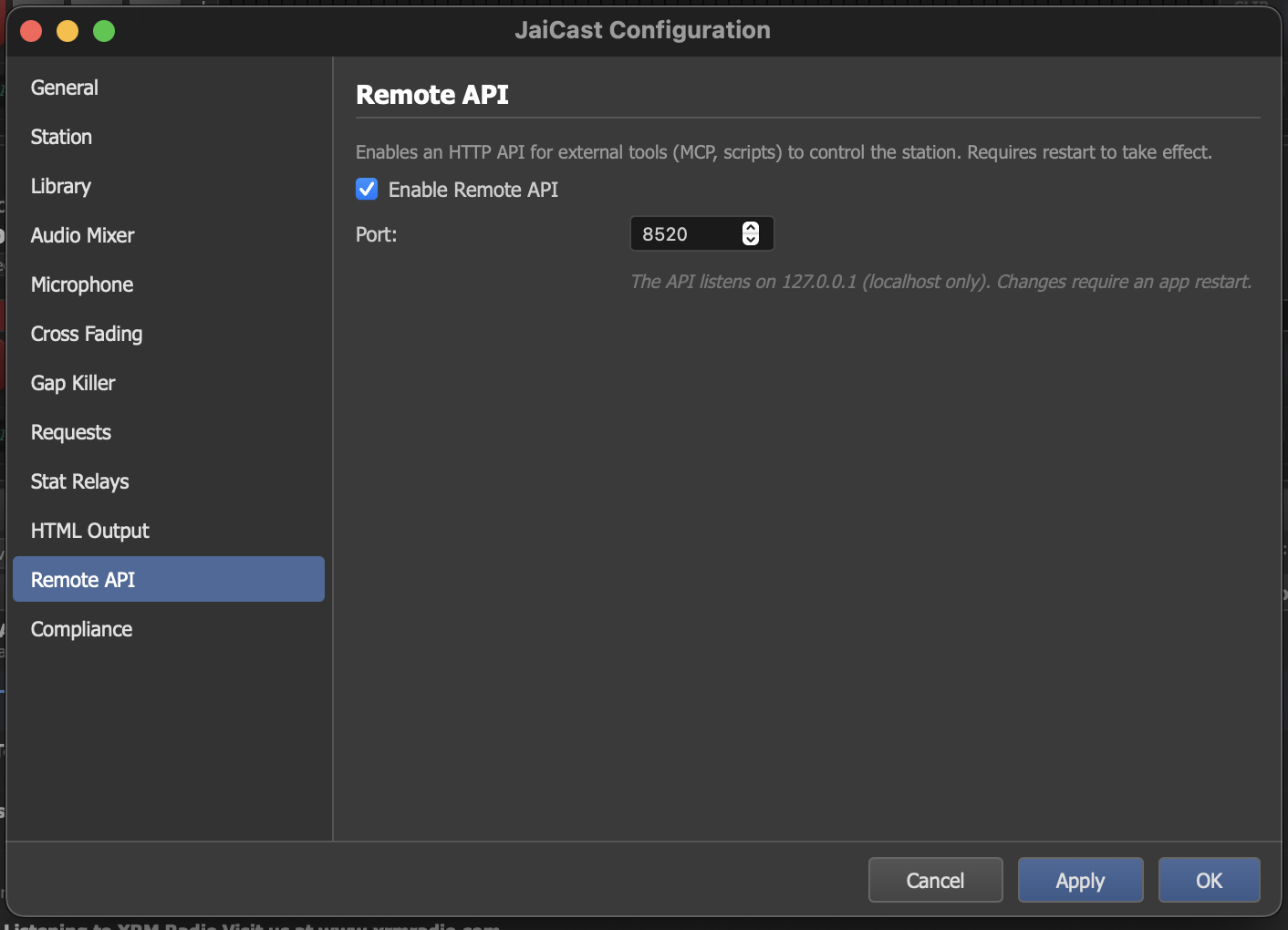
The Remote API settings panel with port configuration and security options.
Overview
The Remote API exposes JaiCast's functionality over HTTP, allowing external tools and scripts to control the application programmatically. When enabled, JaiCast starts a local HTTP server that accepts JSON-RPC and REST requests.
Common use cases include:
- External automation — scripts that manage playlists, schedule changes, or trigger events based on external data sources.
- MCP integration — the JaiCast MCP server connects through this API, enabling AI assistants to control the station via the Model Context Protocol.
- Custom dashboards — build web-based monitoring interfaces that display station status, listener counts, and playback information in real time.
- Remote control — operate the station from another machine on the same network (when combined with a reverse proxy or SSH tunnel).
Settings
| Setting | Description |
|---|---|
| Enable Remote API | Turn the API server on or off. When disabled, no HTTP server is started and no external connections are accepted. |
| Port | The TCP port the API server listens on. Default: 8520. Choose a port that does not conflict with other services running on your machine. |
Security
By default, the API server binds to 127.0.0.1 (localhost only). This means only processes running on the same machine can connect to the API. Remote machines on the network cannot reach it.
This is an intentional security measure. The API provides full control over the station, including the ability to start and stop playback, modify the library, and change settings. Exposing it to the network without proper authentication would be a security risk.
If you need remote access to the API from another machine, use one of these approaches:
- SSH tunnel — forward the API port through an encrypted SSH connection. This is the simplest and most secure option.
- Reverse proxy — place a reverse proxy (nginx, Caddy) in front of the API with TLS termination and authentication.
jaicast-server) can be configured to bind to 0.0.0.0 for network access. The desktop application always binds to localhost for safety.
Authentication
The API uses JWT-based authentication. Clients must authenticate with a username and password to receive an access token, which is then included in subsequent requests. Access tokens expire after 15 minutes and can be refreshed using a longer-lived refresh token.
User accounts and roles are managed through the User Management section of the application. The API uses a 5-tier role-based access control system: Public, Viewer, Operator, Programmer, and Admin. Each API command requires a minimum role level, and access is denied if the authenticated user's role is below the required level.