Settings: Gap Killer
Automatically trim silence from tracks for tighter, more professional transitions.
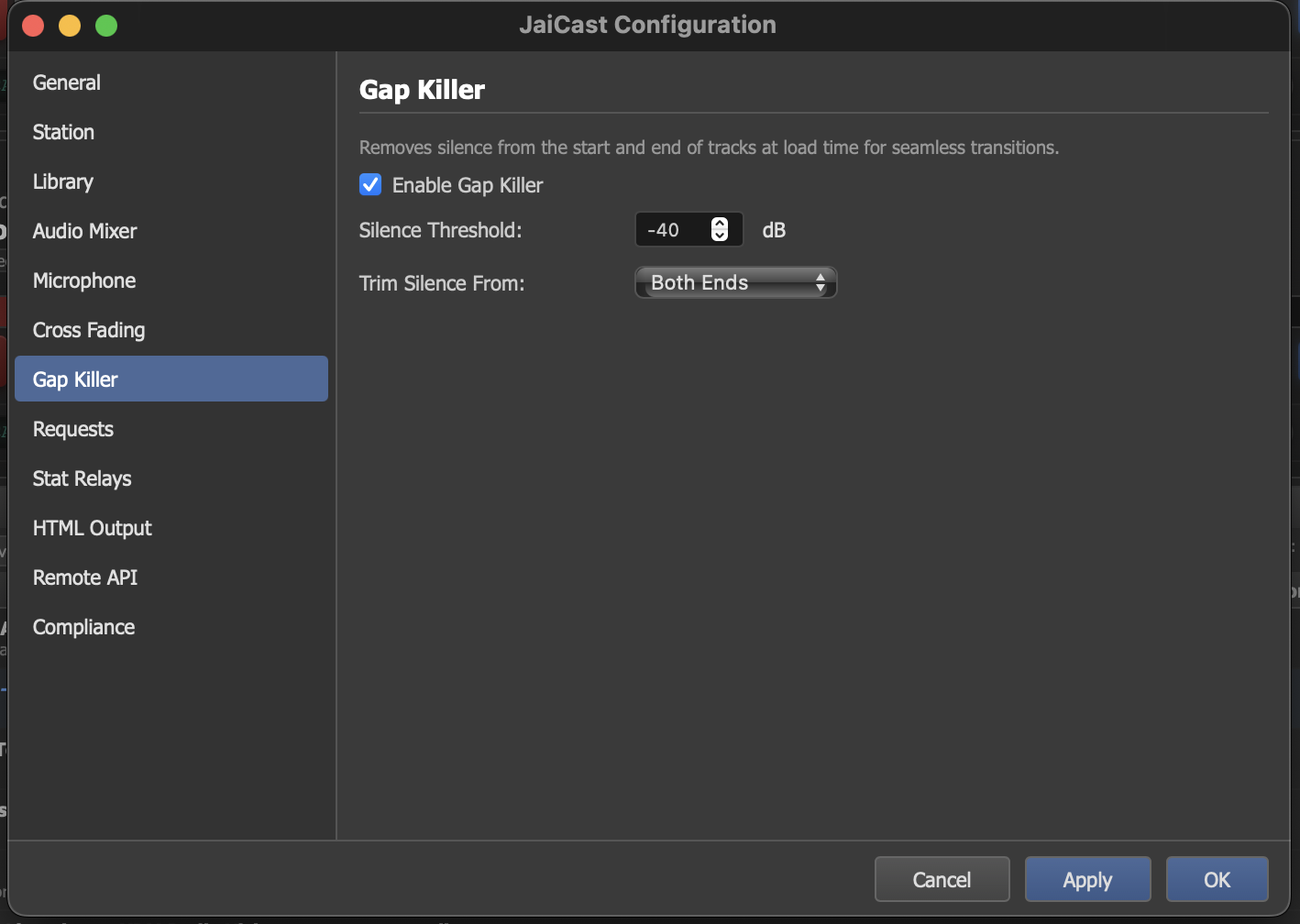
The Gap Killer settings panel with threshold and trim mode configuration.
What Is the Gap Killer
The Gap Killer detects and removes silence at the beginning and end of audio tracks during playback. Many audio files contain short periods of dead silence before the music starts or after it ends. While inaudible on their own, these silent gaps add up and can create noticeable pauses between tracks in a continuous broadcast.
When enabled, the Gap Killer scans each track as it loads and adjusts the playback boundaries to skip over silent sections. The original audio file is never modified — the trimming happens in real time during playback.
Settings
| Setting | Description |
|---|---|
| Enable Gap Killer | Turn the Gap Killer on or off. When disabled, tracks play from their original start to their original end, including any embedded silence. |
| Silence Threshold (dB) | The level below which audio is considered silence. Any audio quieter than this threshold at the boundaries of a track is trimmed. A typical value is -40 dB, which catches true digital silence and very quiet noise floors without cutting into intentional quiet passages. |
| Trim Silence From | Controls which ends of the track are trimmed:
|
How It Works
- When a track is loaded onto a deck, the Gap Killer scans the decoded audio from both ends, measuring the signal level against the silence threshold.
- It finds the first sample that exceeds the threshold (the true start of audible content) and the last sample that exceeds it (the true end).
- The deck's playback start and end points are adjusted to these boundaries.
- If the track has manual cue points (Cue In, Cue Out) set in the Track Editor, those take priority over the Gap Killer's detected boundaries.
When to Disable
In most cases the Gap Killer improves playback flow, but there are a few situations where you may want to disable it:
- Tracks with intentional silence — some recordings use silence as an artistic element (e.g., a dramatic pause before a final note). The Gap Killer cannot distinguish intentional silence from accidental gaps.
- Pre-trimmed libraries — if your audio files have already been processed to remove silence (common in professional radio libraries), enabling the Gap Killer adds unnecessary processing without benefit.
- Live recordings — concert recordings or live sessions may have ambient noise at the boundaries that falls below the threshold, causing the Gap Killer to trim audience noise or room tone that should be preserved.